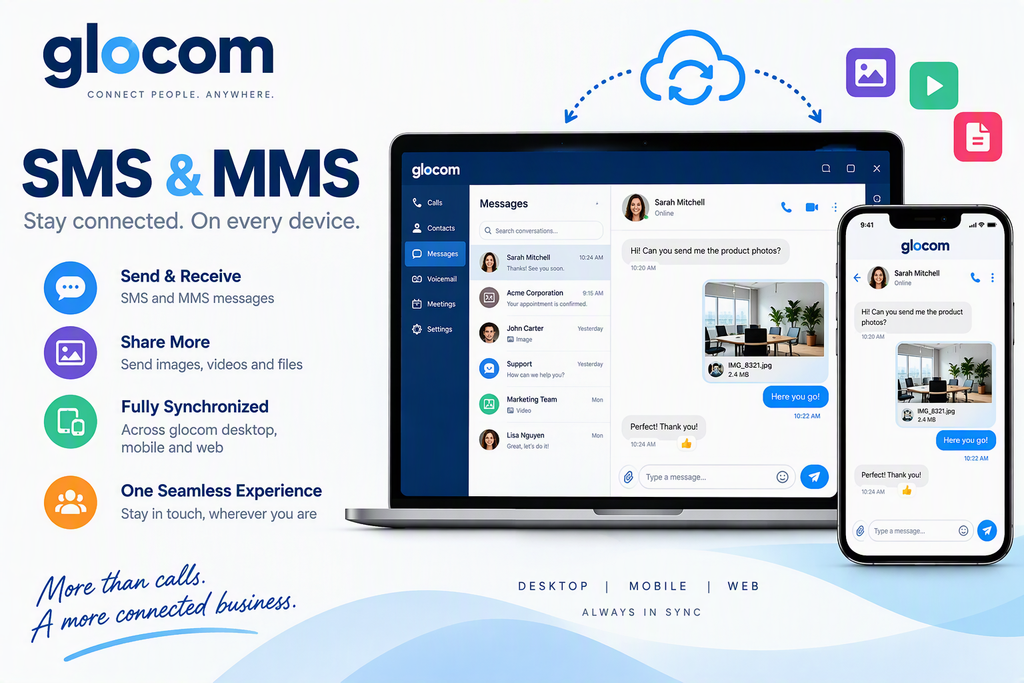
An inbound DID can be assigned to either a single extension or a group of extensions. When assigned to a group, all gloCOM users within that group can view and respond to client conversations. This shared visibility ensures that every team member can see responses from other users, providing seamless collaboration and a consistent client experience.
API Integration Access
This feature provides access to APIs for custom integrations and solutions, enabling organizations to automate workflows, exchange data with third-party applications, and develop tailored functionality to meet specific business requirements. It offers the flexibility to extend the platform’s capabilities beyond standard features and integrate with existing business systems.
Voicemail Notifications
This feature enables voicemail notifications to be integrated with external applications and workflows. When a new voicemail is received, notification details can be delivered to connected systems, allowing organizations to automate processes, trigger alerts, and incorporate voicemail activity into custom business solutions.
Opt-In / Opt-Out SMS Management
This feature enables recipients of SMS messages sent through the platform to manage their communication preferences by opting out of future messages or opting back in to resume receiving communications.
Administrators can configure custom Opt-In and Opt-Out keywords, as well as the automated response messages associated with each action. This functionality supports the management of recipient consent preferences and SMS messaging compliance requirements.
Note: Opt-In and Opt-Out keywords must be unique. A keyword cannot be assigned to both functions, and duplicate keywords are not permitted. The system will display a validation warning and prevent the configuration from being saved if duplicate keywords are detected. When the Opt-In feature is enabled, additional configuration options become available for defining Opt-In keywords and response messages.
SMS Keywords and Message Footer
The platform supports the use of SMS keywords that can automatically trigger predefined responses when received from a recipient. This functionality can be used to provide information, manage communication preferences, or initiate automated workflows.
In addition, a customizable SMS footer can be appended to outbound messages. The footer may be used to include business hours, contact information, compliance notices, opt-out instructions, or other important information that should accompany each SMS communication.
SMS Synchronization
SMS messages are synchronized across the mobile, desktop, and web versions of glocom, providing users with a consistent messaging experience regardless of the device being used. Sent and received messages, conversation history, and message status updates are reflected across all supported platforms, ensuring seamless communication and continuity when switching between devices.

CALL US 289-812-5111, x132